Great for Parties
From backyard barbecues to the birthday cake, bring your party colors along. Pair the glow stick app with glow bracelets, glow necklaces, and light-up decorations for a glow-themed celebration.
Plan your party glow ↗Make the birthday photo brighter, show your school spirit, and bring your team colors to the stadium. Keep one glow stick app ready for parties, concerts, and a cozy evening at camp.

From backyard barbecues to the birthday cake, bring your party colors along. Pair the glow stick app with glow bracelets, glow necklaces, and light-up decorations for a glow-themed celebration.
Plan your party glow ↗
Show your school colors at pep rallies, homecoming, dances, and school celebrations. Choose a matching glow with friends and set the brightness to suit your event’s phone guidelines.
Bring your school colors ↗
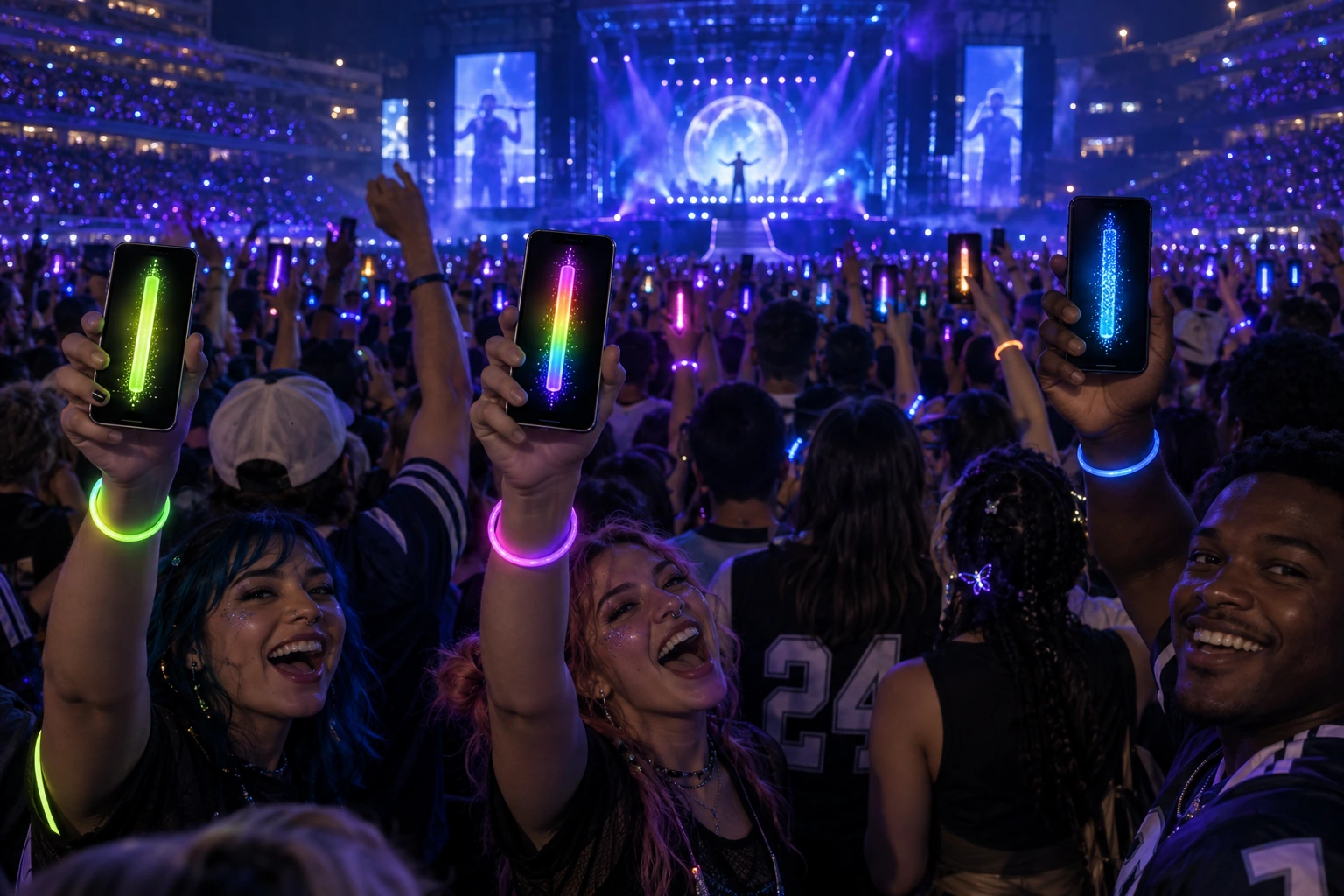
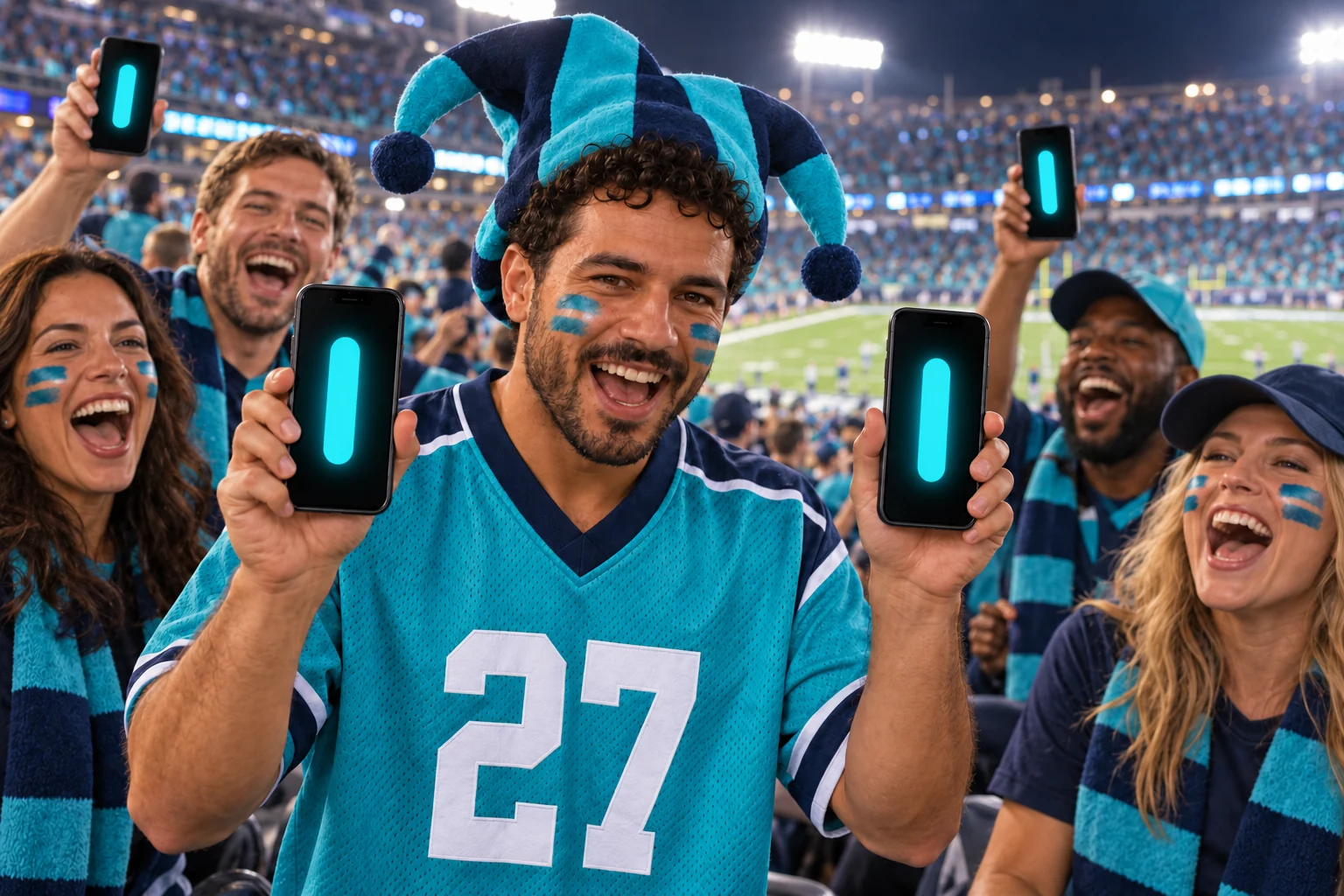
Bring your team colors to the stands and your favorite glow to the encore. Raise your glow stick app with friends and become part of a crowd full of light.
Match a solid color, mix Rainbow and Plasma effects, or pair your phone’s light stick with glow bracelets and other glowing fan accessories.
Light up your next event ↗
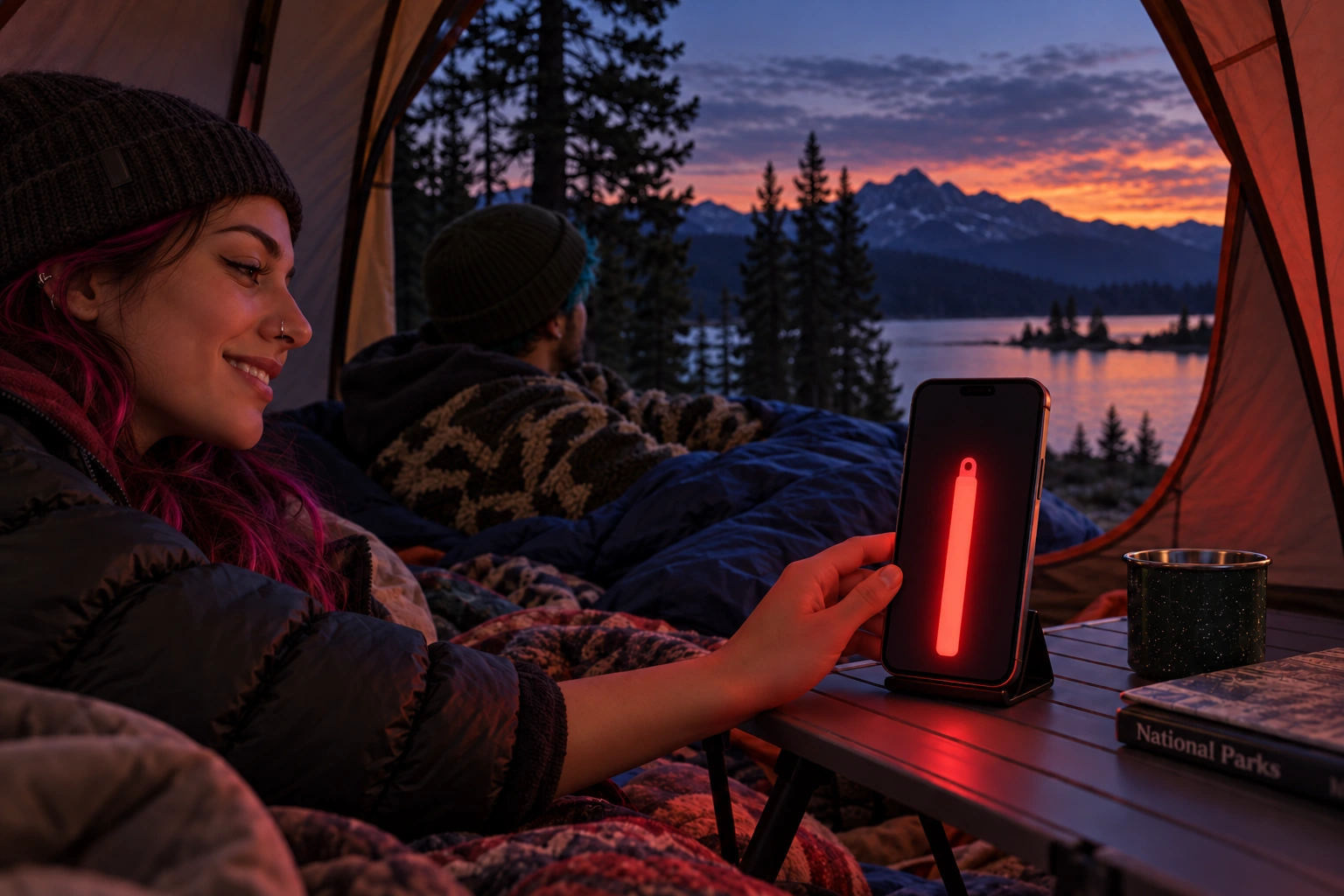
Settle in and watch the sunset with a cozy red glow from your phone. The GlowStickGo glow stick app brings a little color to quiet evenings in the tent.
Choose Red, adjust Brightness and Stick Width, and leave Strobe off for steady ambient light while you unwind after a day outdoors.
Set up your camping glow ↗
Bring a bold orange glow to unexpected moments. Choose Hazard Orange Flash in the full version of the glow stick app for an attention-catching, flashing phone light.
Use from a safe place away from traffic, alongside hazard lights and reflective equipment. Keep your phone ready for calls and follow guidance from emergency responders.
Explore emergency light uses ↗
Let the Plasma effect on your iPad mini pulse to the music in your room while you study. Adjust Sound Sensitivity to fit the room and the beat.
Explore Audio Detection ↗MAKE IT YOUR GLOW
Classic includes Stick & Light controls and Break & Shake. Full Version adds every other color, animated effect, and the custom color picker.
TUNE YOUR GLOW
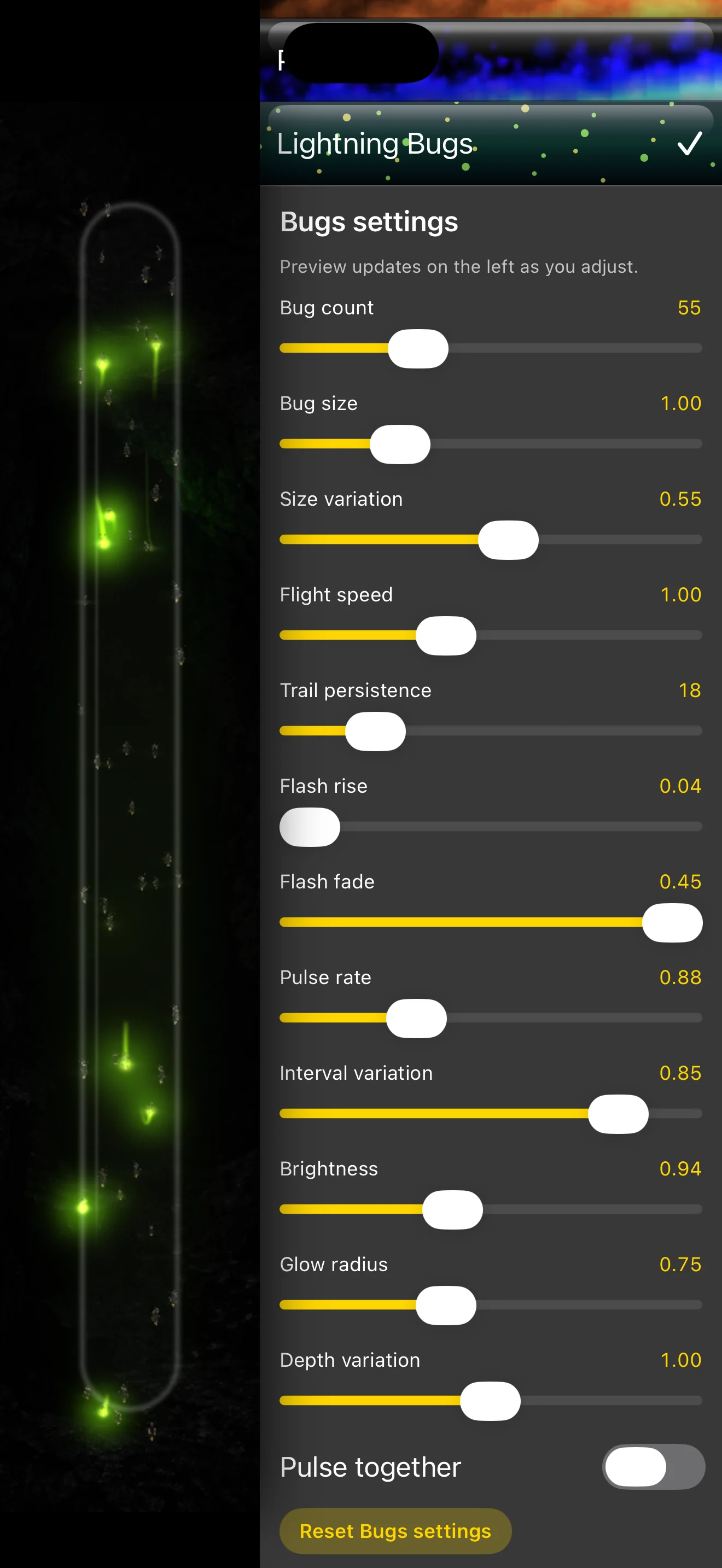
Some GlowStickGo modes have their own settings. In Lightning Bugs, adjust the number of bugs, their size and flight speed, flash timing, trails, and glow. Open the mode’s settings to shape the effect for your moment.
01 / COLORS & EFFECTS
Make the glow match the moment. Pick a custom color, sample one with your camera, or choose from solid colors, changing rainbows, and animated effects in the glow stick app.
CUSTOM COLOR PICKER + CAMERA SAMPLER
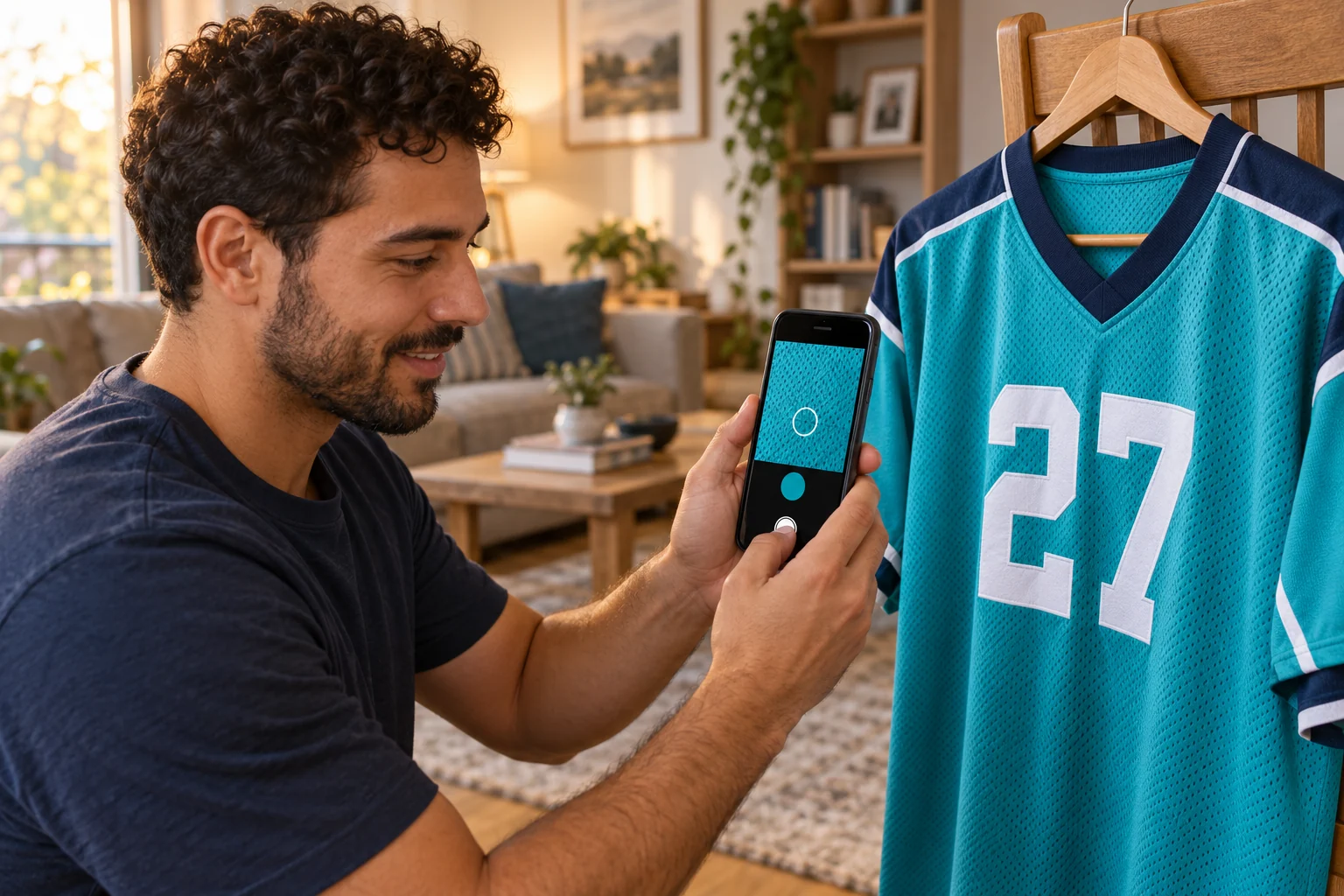
Open Color Target to sample your jersey with the camera. Save the match to My Colors, then bring that same glow to game day.
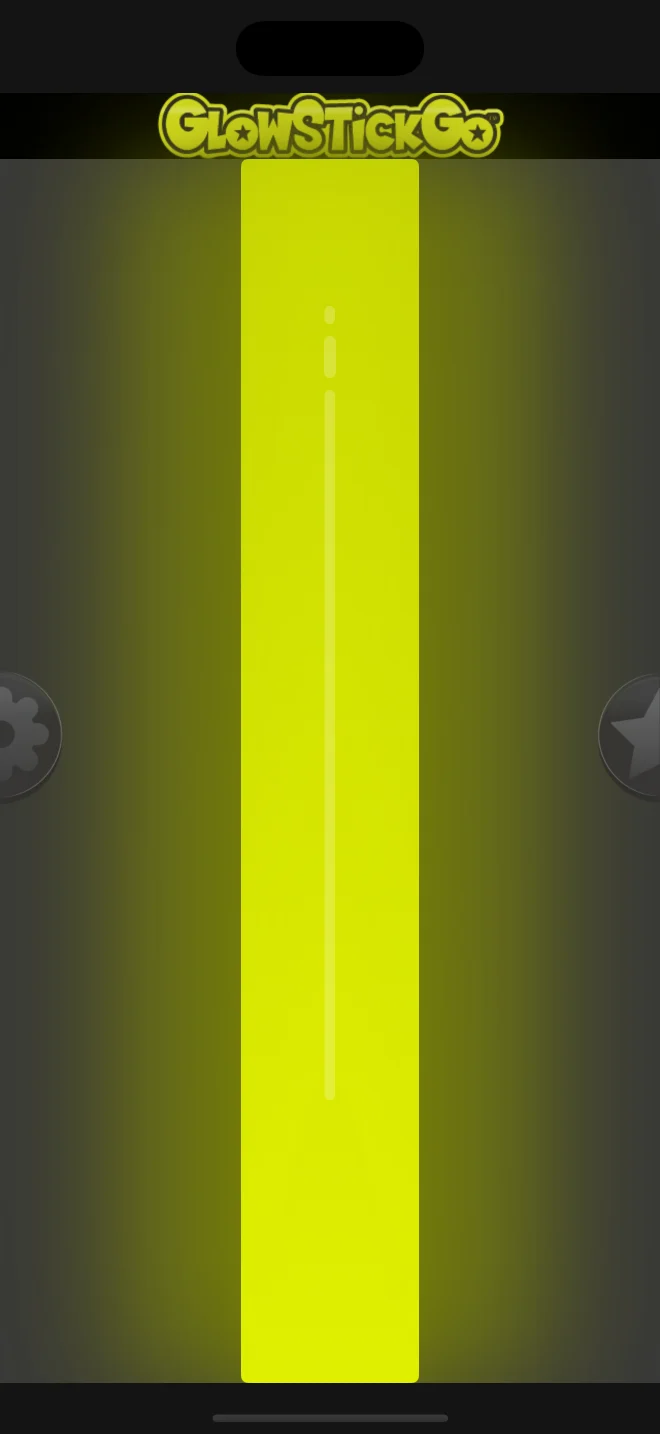
The familiar yellow-green glow-stick look, plus Red, Orange, Yellow, Green, Blue, and Purple.
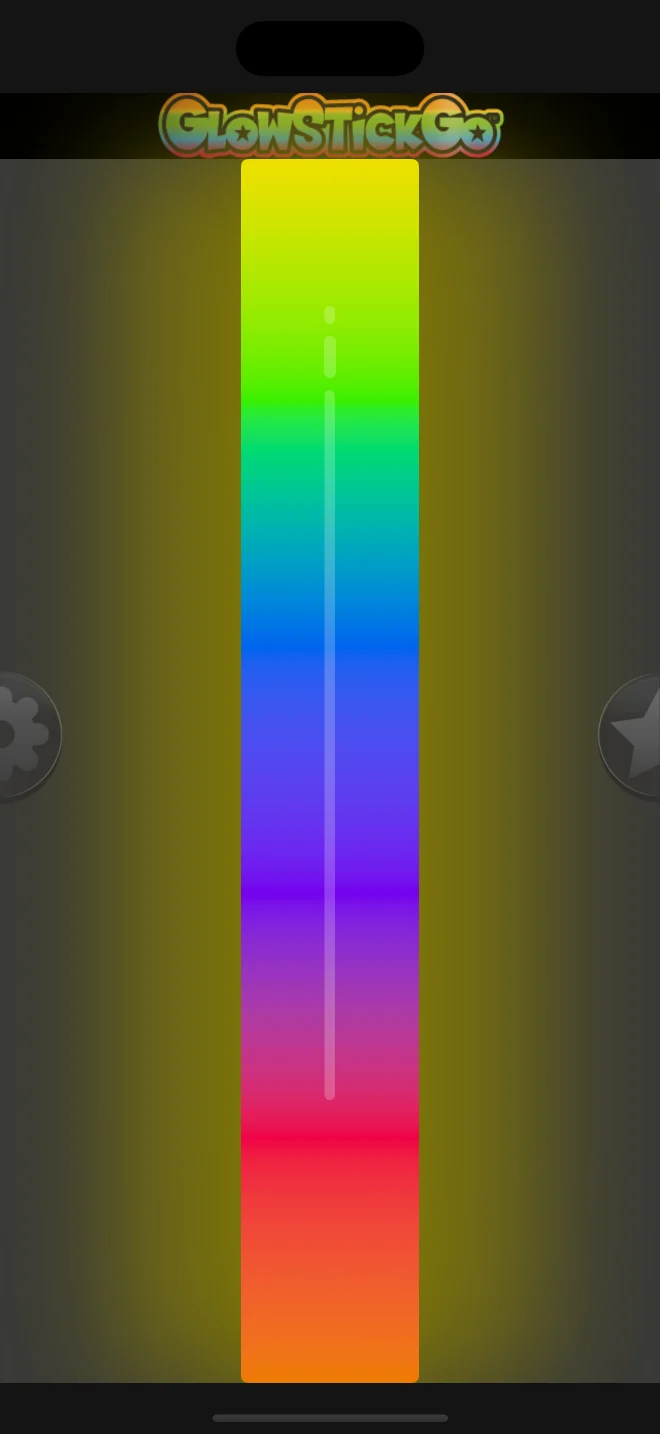
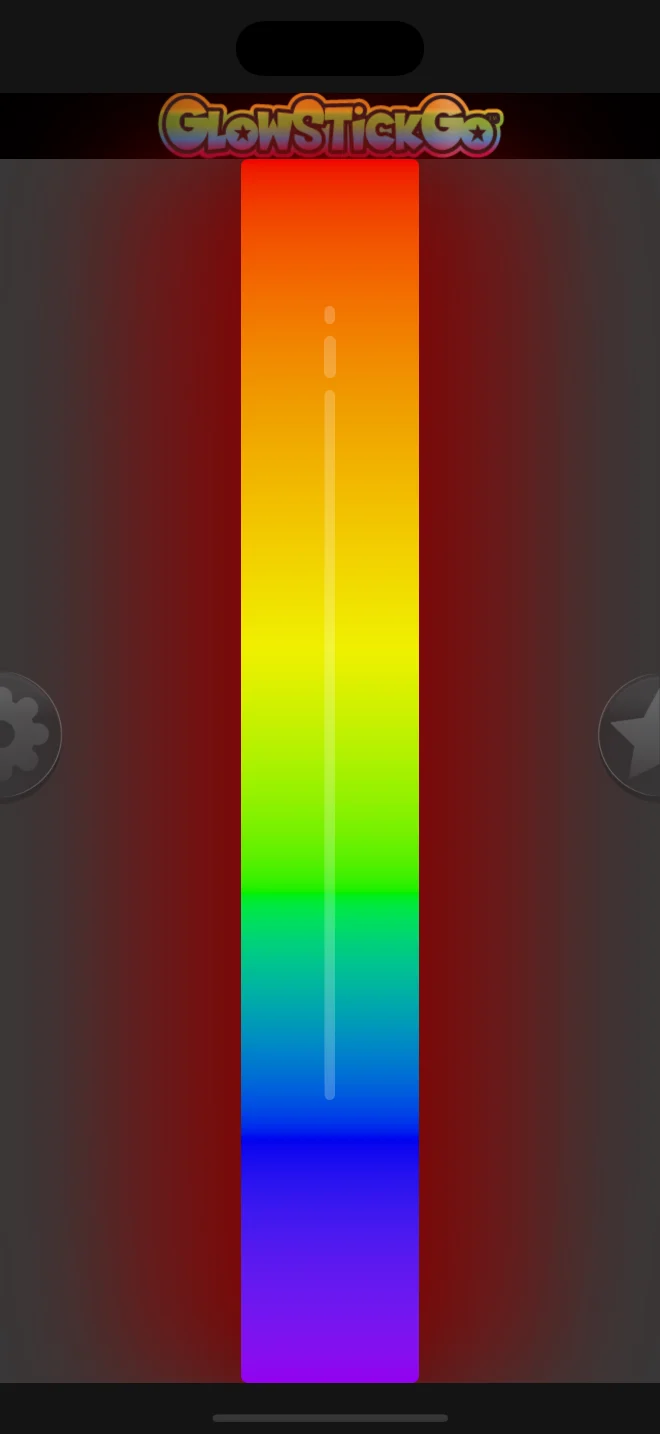
Display several colors in one glow stick, with a rainbow palette that changes over time.
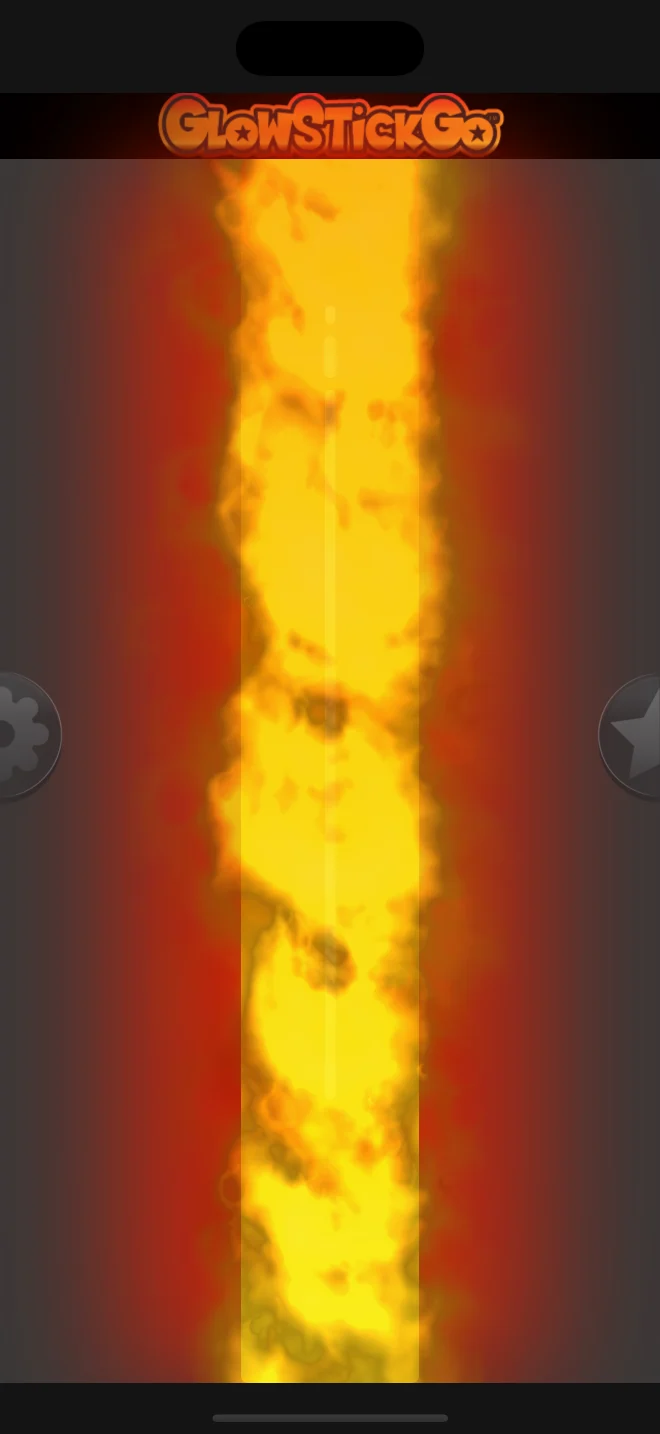
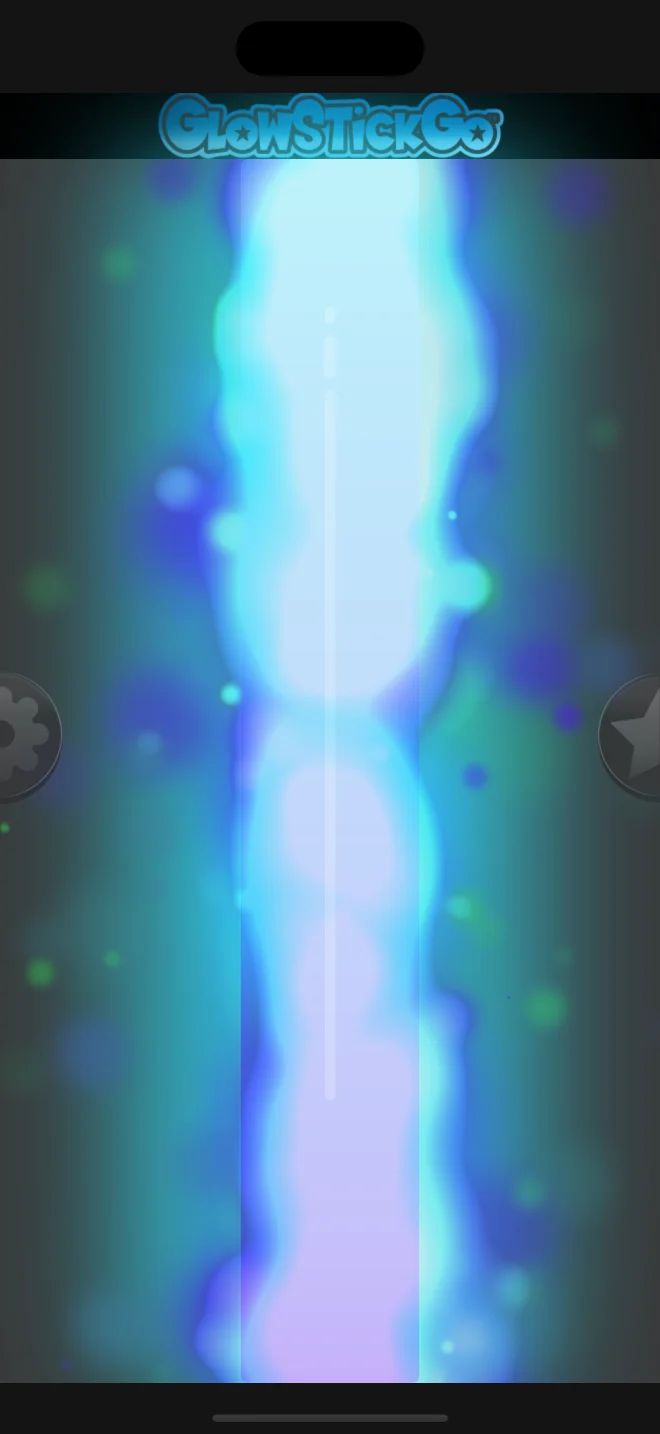
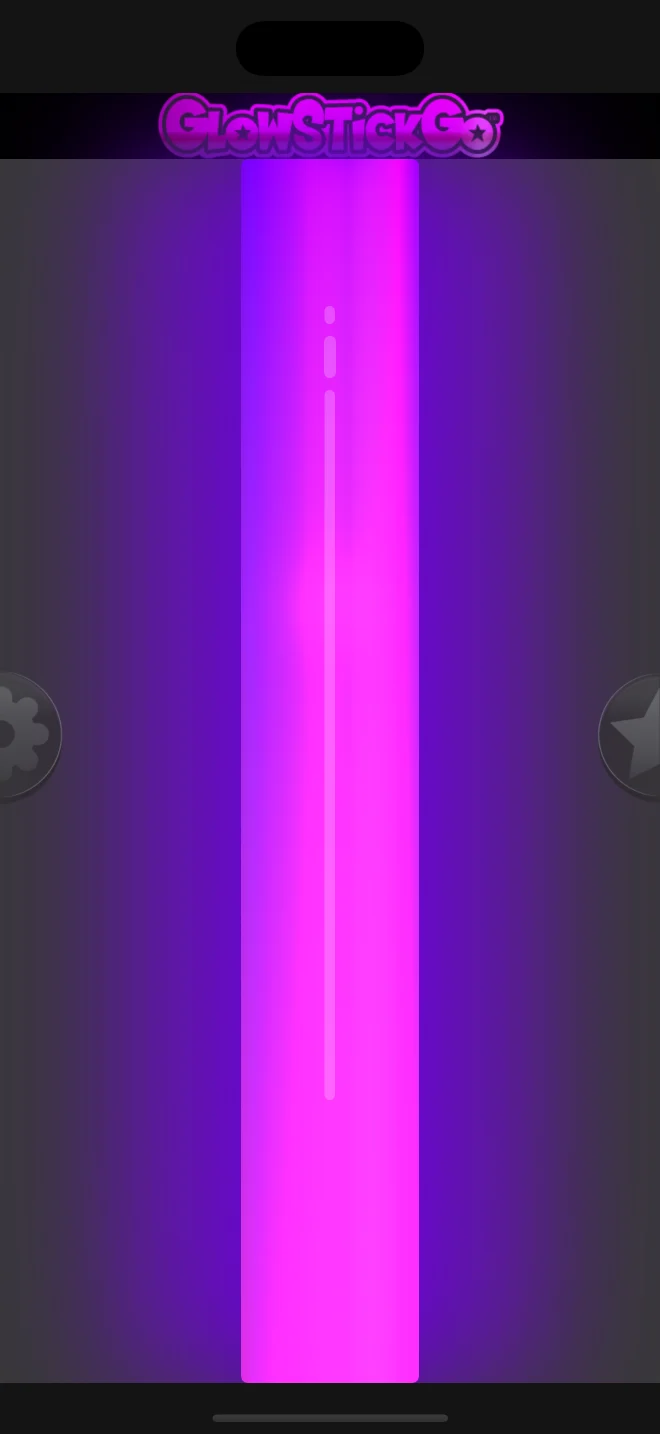
Choose an animated flame, a blue-purple plasma effect, or the purple glow of Black Light.


02 / CONTROL YOUR LIGHT
Set the brightness and stick width, turn Strobe on or off, and adjust how Beat Detect responds to nearby sound.
Beat Detect uses the microphone to make the glow respond to nearby music and other sounds. Adjust Sound Sensitivity to change its response.
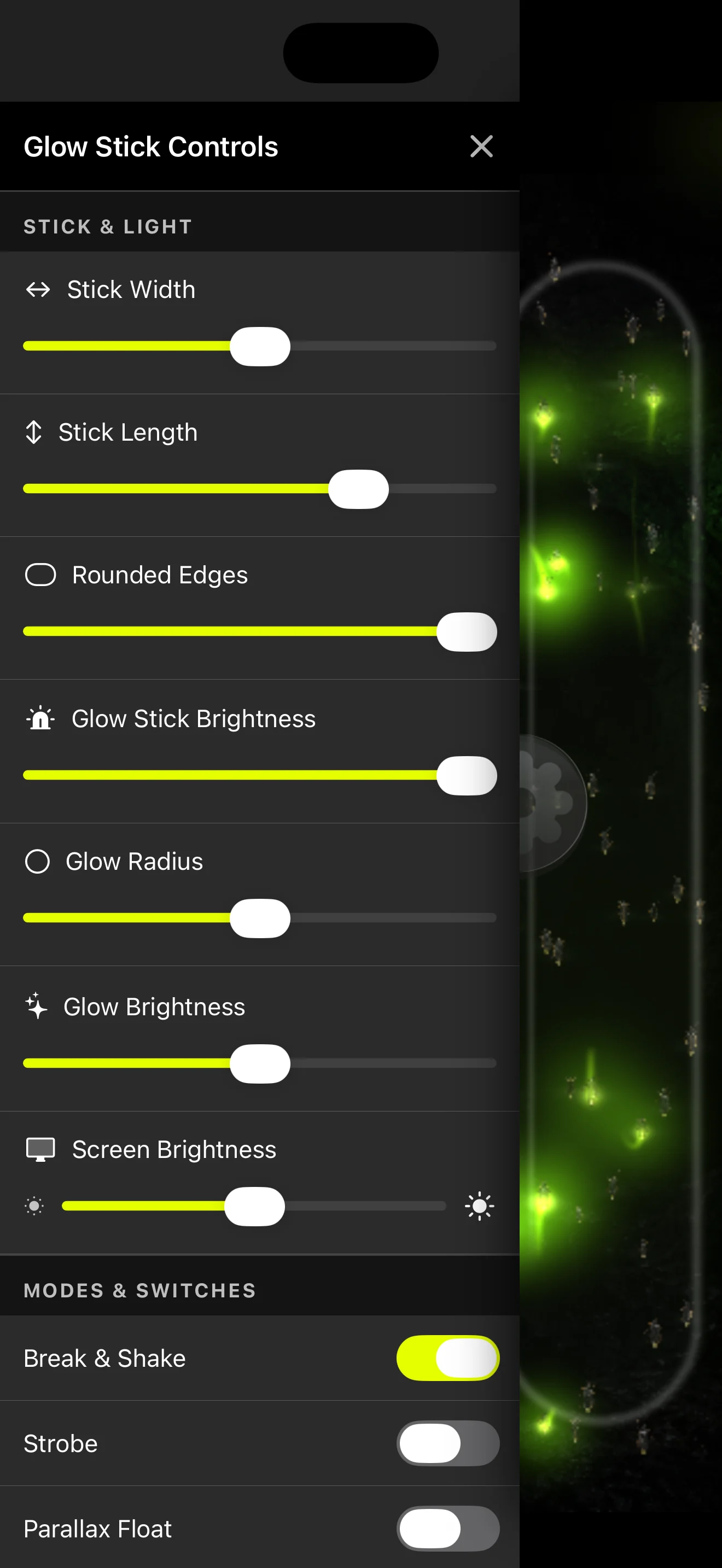
Use Brightness to adjust the glow, Stick Width to make the colored strip narrower or wider, and Rounded Edges to shape the stick.
Choose Strobe for a flashing effect, Break & Shake for realistic activation, and Parallax Float for subtle motion. Hide Controls clears the onscreen controls from view.
GlowStickGo eliminates glow stick waste
Bring your colors back for every concert, birthday, and camping night. When the GlowStickGo glow stick app replaces a disposable light stick, you avoid that single-use plastic tube and its chemical contents. Use the iPhone or iPad you already own, then open the app again for your next event.

Conventional chemical light sticks combine a plastic tube, a glass capsule, and a chemical mixture. After their glow fades, the casing and contents remain. [2] City disposal guides direct used glow sticks to garbage, rather than household recycling. [3]

Fishing light sticks are a documented source of coastal contamination. A 2014 Scientific Reports study describes thousands reaching Brazilian shores and found toxic effects from tested liquids in laboratory cell cultures. [2] Choosing reusable screen light for your celebrations is one practical way to reduce demand for throwaway light sticks.
Glow sticks manufactured worldwide each year, according to Lux Bio’s estimate.
Annual industry estimate [1]Chemical liquid in Lux Bio’s estimate of annual glow-stick waste.
Annual industry estimate [1]One disposable casing and its contents avoided each time the app replaces a single-use glow stick.
Reuse the phone you already carry.Global figures are estimates from Lux Bio, a developer of alternative light sticks. Published estimates vary by source.

Replace one disposable glow stick at an event each month and you could avoid 12 plastic casings and their chemical contents in a year. If 1,000 people make that same swap, that is 12,000 fewer disposable glow sticks.
Illustrative savings assume each app use replaces one disposable stick. Your total depends on how many you replace.
Explore the reusable glow stick app →Sources: [1] Lux Bio industry estimates · [2] Scientific Reports research · [3] City of Santa Cruz disposal guide
YOUR FRIENDS. YOUR COLORS. YOUR NIGHT.
The lights go down. Your favorite artist steps onstage. Raise your glow stick app with your friends and become part of a stadium full of color. Choose matching light sticks, mix your favorites, or let Beat Detect respond to the music around you.
The glow stick app can complement glow bracelets, glow necklaces, and other light-up party accessories. Choose virtual light sticks in colors that match your party theme, or add a changing rainbow alongside the glow accessories you already have.
Pick a solid color for a consistent look, or select Rainbow Phase or Rainbow Cycle for changing colors.
Start Beat Detect and allow microphone access to make the glow respond to sound. Adjust Sound Sensitivity to suit the room.
Choose a steady color with Strobe off, or explore a flashing effect when it suits the event and the people around you. Adjust the brightness for a comfortable glow.
APP HELP
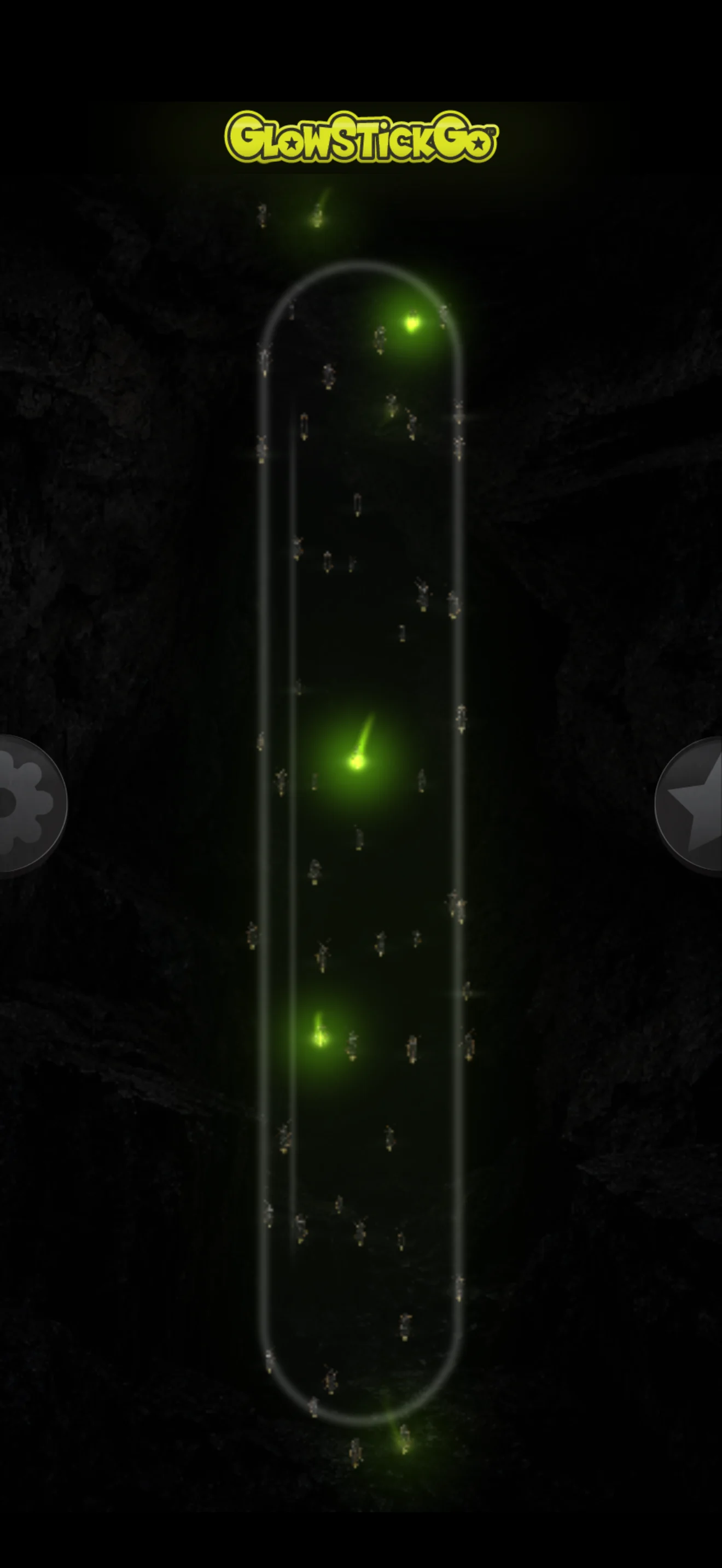
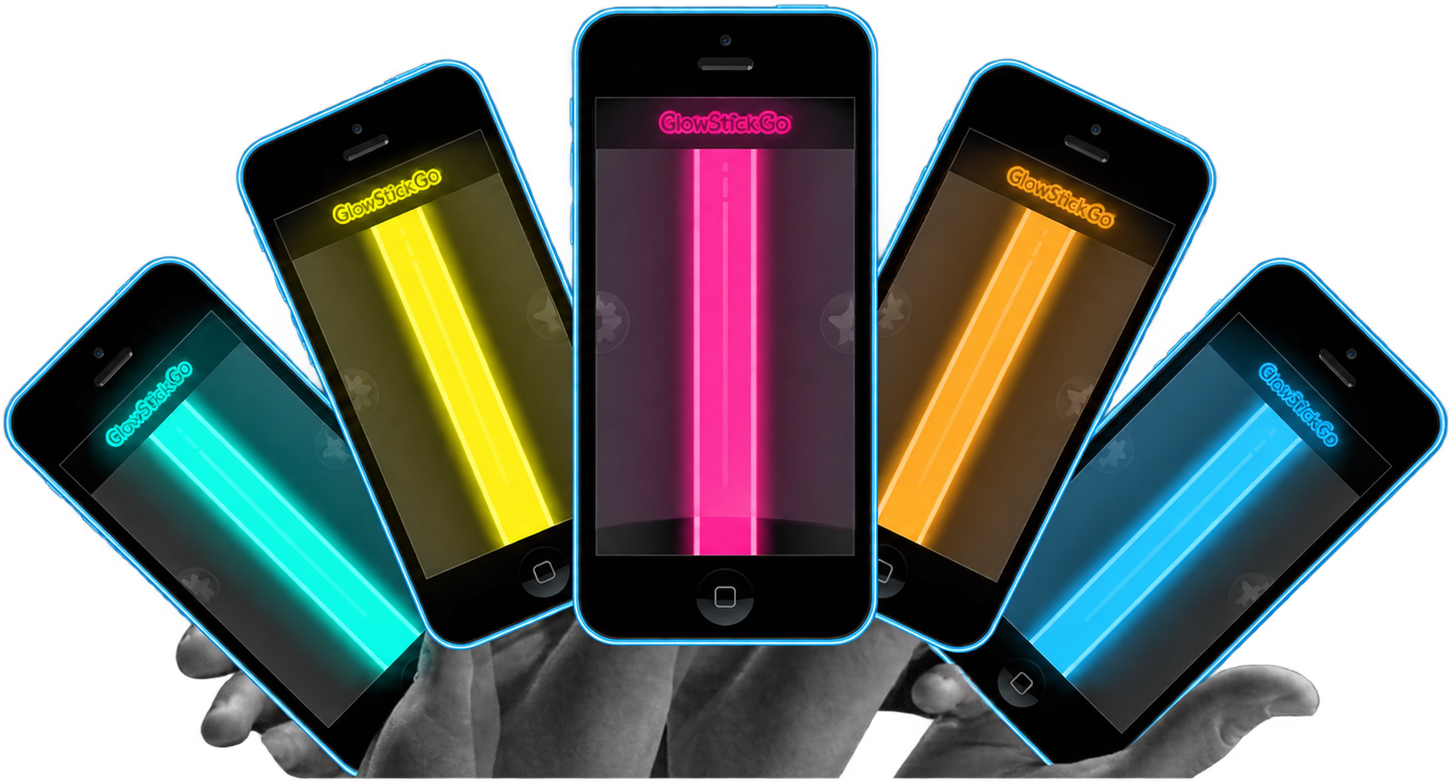
Turn your iPhone or iPad into a colorful light stick for concerts, parties, school dances, and camping. Choose a color or animated effect, then make it your own with brightness, stick width, Strobe, and sound-reactive Beat Detect.
Tap the tab on the right edge to open Colors and Filters. Classic is free, with Stick & Light controls and Break & Shake. Full Version unlocks all other colors and effects, including Yellow, Rainbow Phase, Rainbow Cycle, Flames, Plasma, Black Light, and Beat Detect.
Choose Beat Detect from Colors and Filters. Open Glow Stick Controls using the left-edge tab, tap Start Beat Detect, and allow microphone access when prompted. Play nearby music and adjust Sound Sensitivity to find the response you like. Beat Detect is included with Full Version.
With Beat Detect selected, open Glow Stick Controls and move the Sound Sensitivity slider. Try a higher sensitivity for quieter music and a lower setting in a loud venue. If microphone access needs updating, open your device’s Settings, find GlowStickGo, and enable Microphone, then return to the app and tap Start Beat Detect.
Strobe is part of Full Version. Choose a color, open Glow Stick Controls with the left-edge tab, and switch Strobe on for a flashing glow. Switch it off whenever you want a steady light. Pick a glow style and brightness that suit your event and the people around you.
From a safe place away from traffic, use free Classic and adjust Brightness for a visible screen light alongside your vehicle’s hazard lights and reflective equipment. Full Version adds Strobe when a flashing effect is appropriate for your surroundings. Keep your phone ready for calls and follow emergency responders’ guidance.
Open Glow Stick Controls using the left-edge tab. Move Brightness to adjust the glow and Stick Width to make the light stick narrower or wider. You can also adjust your device’s display brightness to suit the room.
Hide Controls is part of Full Version. Turn it on in Glow Stick Controls for a clear view of your light stick. Double-tap the glow screen to bring the controls back.
Choose free Classic and set a comfortable brightness for a steady ambient glow inside your tent. Full Version adds other colors, including Yellow. Place your phone on a stable surface and pair it with your camping lantern or headlamp for the evening.
Yes. Choose a glow stick color that complements your glow bracelets, glow necklaces, balloons, and other glowing party accessories. Friends can pick the same color for a school dance, birthday party, or concert, or mix colors for a rainbow crowd.
Use the screen on the iPhone or iPad you already own in place of a disposable plastic glow stick. Each replacement avoids that glow stick’s plastic casing and chemical contents. For example, replacing one glow stick at a monthly event could avoid 12 disposable glow sticks over a year.
Questions, ideas, or something to share? Email the GlowStickGo team.
glowie@glowstickgo.com